AI product photography, with direction.
Product photos.
Ready to sell.
Your product. A new setting.
Turn a product photo into studio and lifestyle images for your online store. Try a new setting. Find the right light. Build on a shot until it feels right.


Example 1 of 5
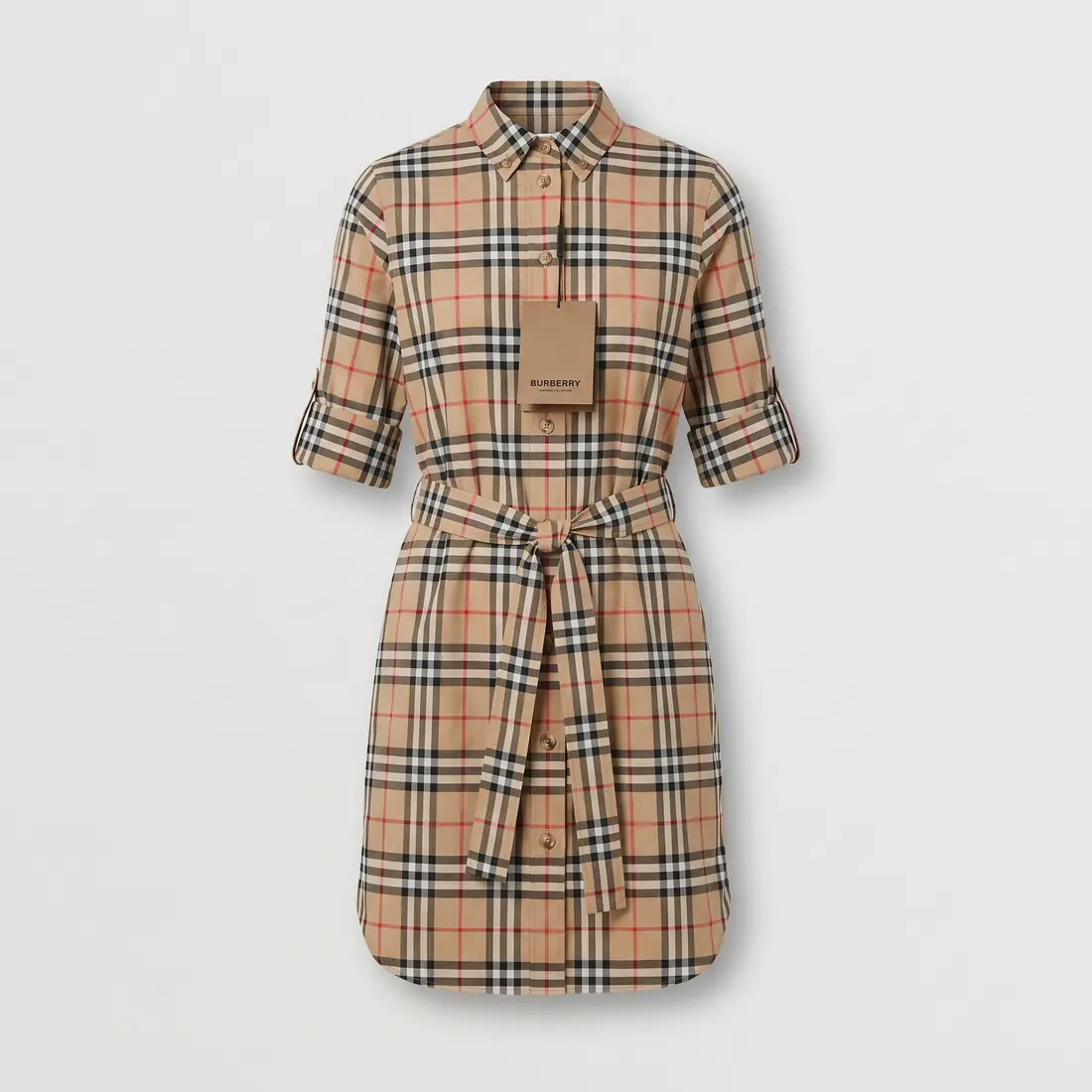
One photo. A new setting. A different story.Tap ⇆ to compare
From photo to possibility
A little direction.
A different photograph.
Make product images for a listing, a launch, or your next social post. Start with a photo you already have.
Add your product photo.
Choose a clear photo with the whole product in view. Good light and visible details give you a better starting point.
Choose a direction.
Pick a suggested scene or describe your own. Explore a clean studio setting, a styled tabletop, or a product in use.
Refine it. Make it yours.
Review the result, adjust your direction, and create another version. Save the images you want to use.
Before & after
Same starting point.
New possibilities.
A dress on a hanger becomes a studio image. A bag gets a place in an everyday scene. These examples show the original photo alongside the AI-generated result.
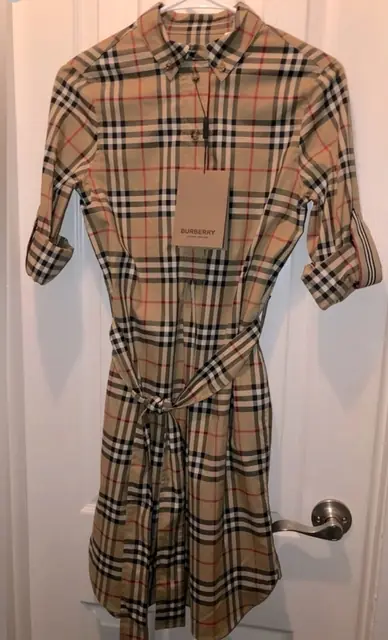
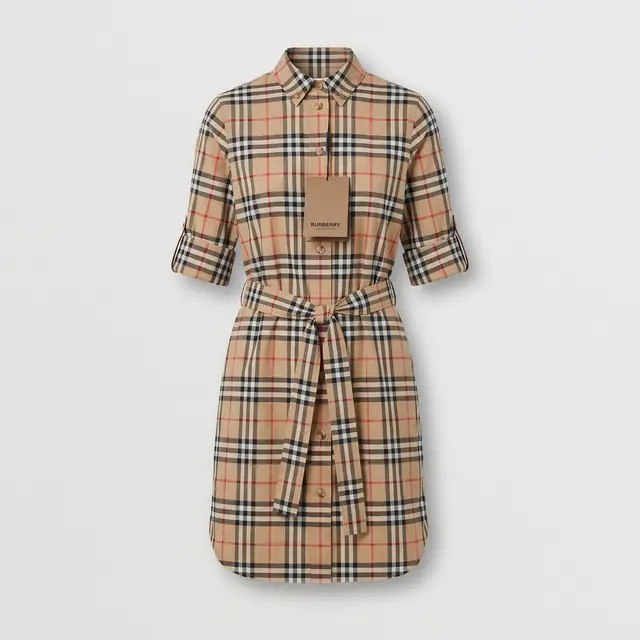
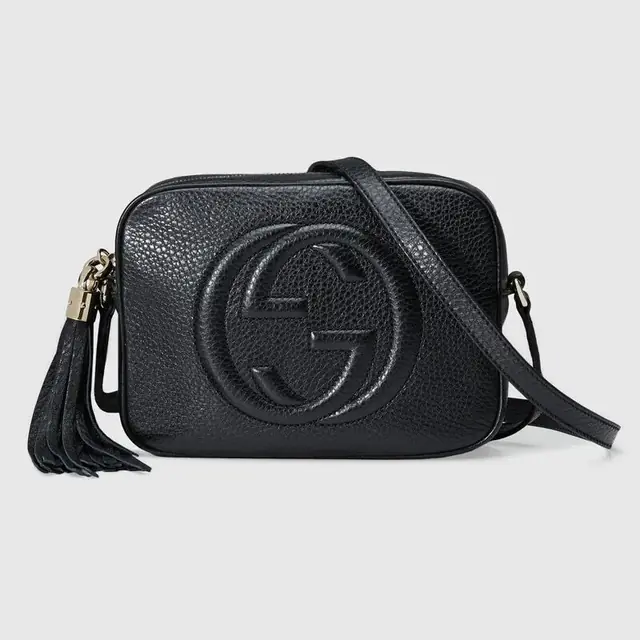
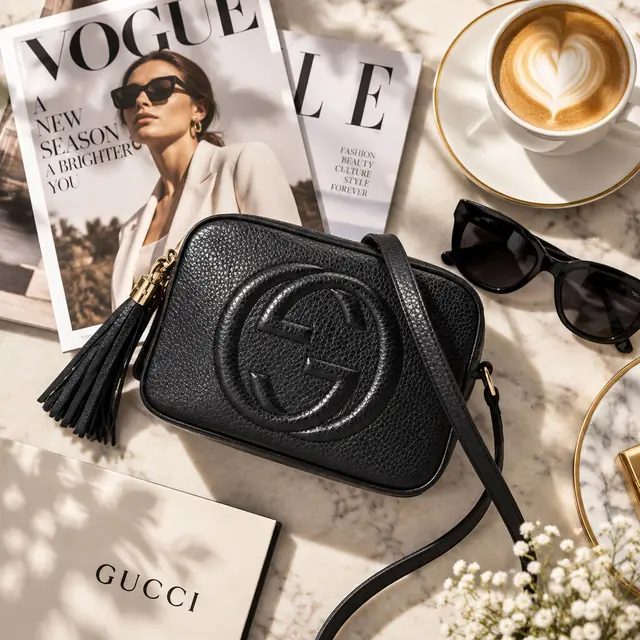
AI can change small details. Check colors, labels, patterns, and proportions against your original before using an image in a product listing.
Made for your next image
From the shop floor
to the shop window.
Clothing & accessories
Give a dress, a bag, or a pair of shoes a different setting. Compare the result with your original to keep the details that matter in view.
Explore clothing photographyExplore accessories photography
Studio product images
Explore simple backgrounds and a more focused composition for your store or product catalog.
Lifestyle & social images
Place your product in a scene that tells a story. Try a tabletop, an outdoor setting, or an everyday moment.
What is AI product photography?
It uses your product photo and a scene description to create a new image. With ProductAI, you can explore different settings and lighting without arranging a new shoot for every idea.
What kind of photo should I start with?
Use a sharp, well-lit photo that shows the whole product. Keep important details visible, including labels, patterns, and edges. A clear source photo makes it easier to judge the generated result.
Will every detail stay exactly the same?
AI-generated images can alter text, logos, colors, or shapes. Compare each result with your source photo before publishing. Keep your original photography for images where exact product detail is essential.
How does pricing work?
ProductAI offers subscriptions and one-time credit packs. Check the app for current prices, credit allowances, and the credits required for an action before you proceed. See our subscription and billing terms.
Can I use ProductAI on my phone?
Yes. Download ProductAI for iOS from the App Store or for Android from Google Play using the links below.
Can I use the images in my online store?
ProductAI is designed for creating product imagery. Use photos you have permission to upload, check that the result accurately represents your product, and follow your store or marketplace’s image requirements. Our terms explain use of the service.
ProductAI for iOS & Android
Your next product photo
starts with this one.
Bring a photo. Find a direction. See what you can make.